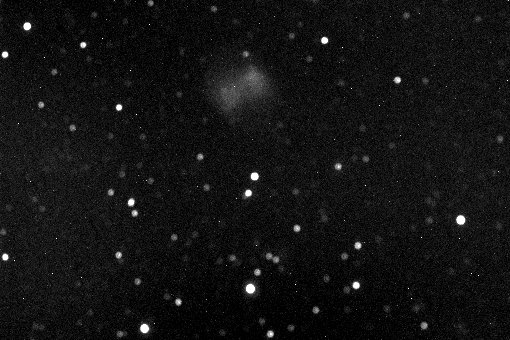
CCD Imaging with the Celestron CR-150 6" f/8 Achromatic Refractor
Note: to view all of the detail in these images, you may need to adjust the brightness and contrast controls on your monitor! See my monitor adjustment page for detailed suggestions.
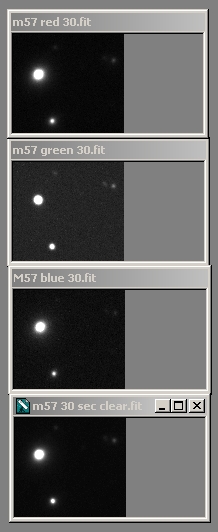
The stack of small images at right shows how the refractor stacks up in this analysis. From top to bottom, the images are in red, green, blue, and unfiltered light. Typically, achromatic refractors are corrected best for green light, and this one is no exception. The stars in the green image are well-defined, with a sharp border. In addition, the two small stars at upper right of the green image are brighter and more distinct. These are all signs of better focus.
The red, blue, and white-light images, on the other hand, show a halo around the stars; the edges are not distinct. In addition, the two dim stars at upper right of each image are barely visible. All of these are signs of not quite being in focus.
Of course, I could have re-focused the setup before each color shot, but that would have defeated the purpose of the experiment.
Conclusion: for successful imaging, it will be best to focus for green light, and to filter out red and blue colors.
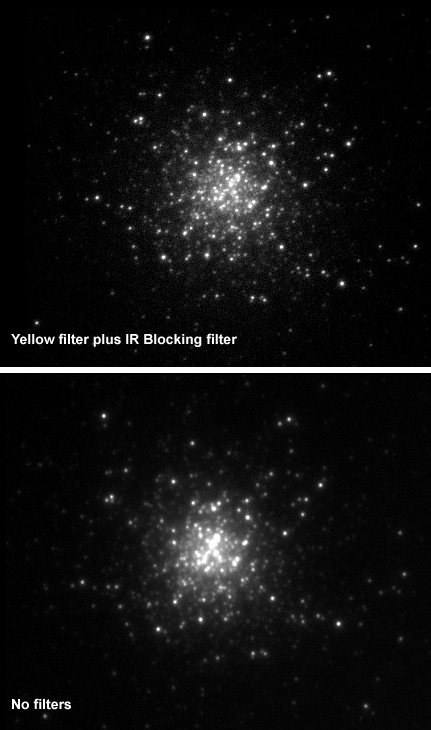
Without appropriate filtering, star images are fairly large, though the image is actually quite nice looking. With the filters, the image quality is quite good.
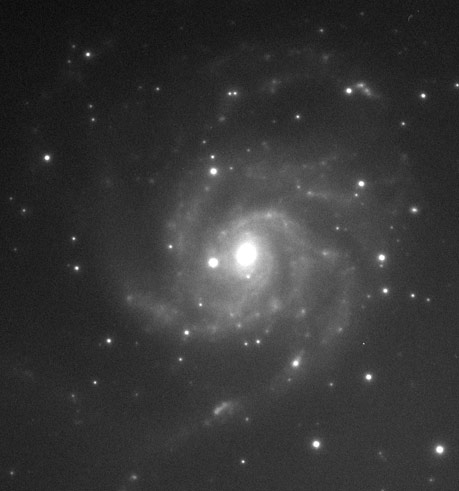
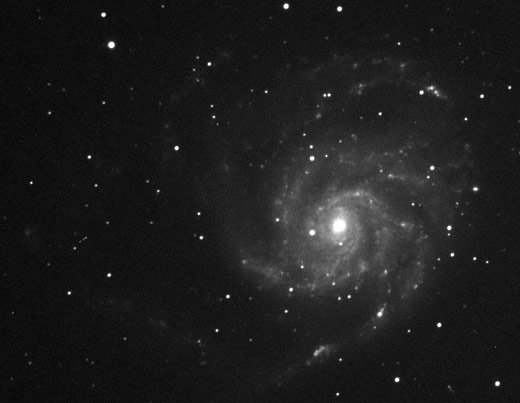
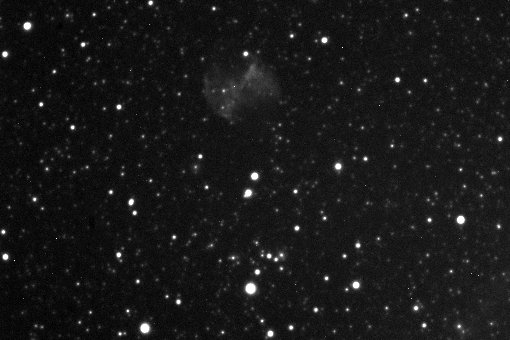
Two further tests suggest themselves, but I did not perform them before I sold the CR150:
-
Try using a yellow filter, which covers a wider portion of the color spectrum. I got my best results with the green filter, and I can't help wondering how well the wider bandwidth of a yellow filter would work. On the one hand, it would capture a wider spectrum, which is good; on the other, it might have some minor focus problems. Only way to know is to try it.
-
Try using an RGB filter set to take images, carefully focusing for each filter, and then combining. This holds the best hope, since it allows you to focus for each color separately. What I don't know is how well the images will fit back together; since they are at different focus points, the image scale may vary a little between images, causing star images not to align perfectly. A product like Registar would allow you to compensate for any such problems, and the latest revision of Maxim DL also does better matching.